Laser247 UPI Deposit: UPI ID vs QR, UTR and Pending Payments
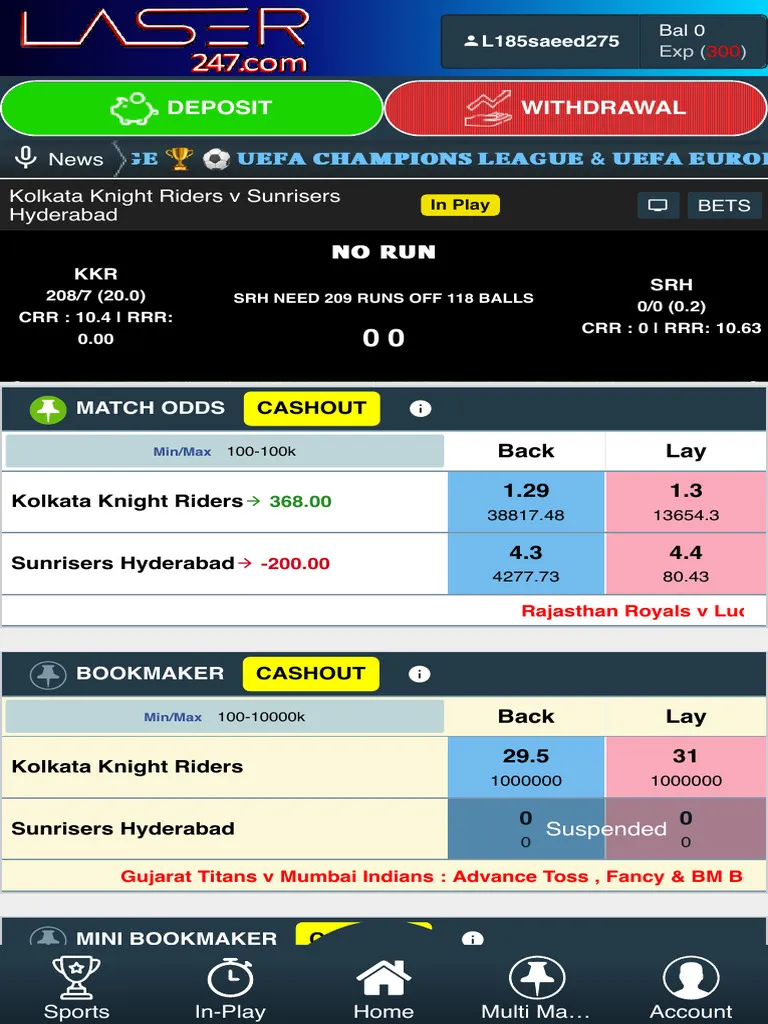
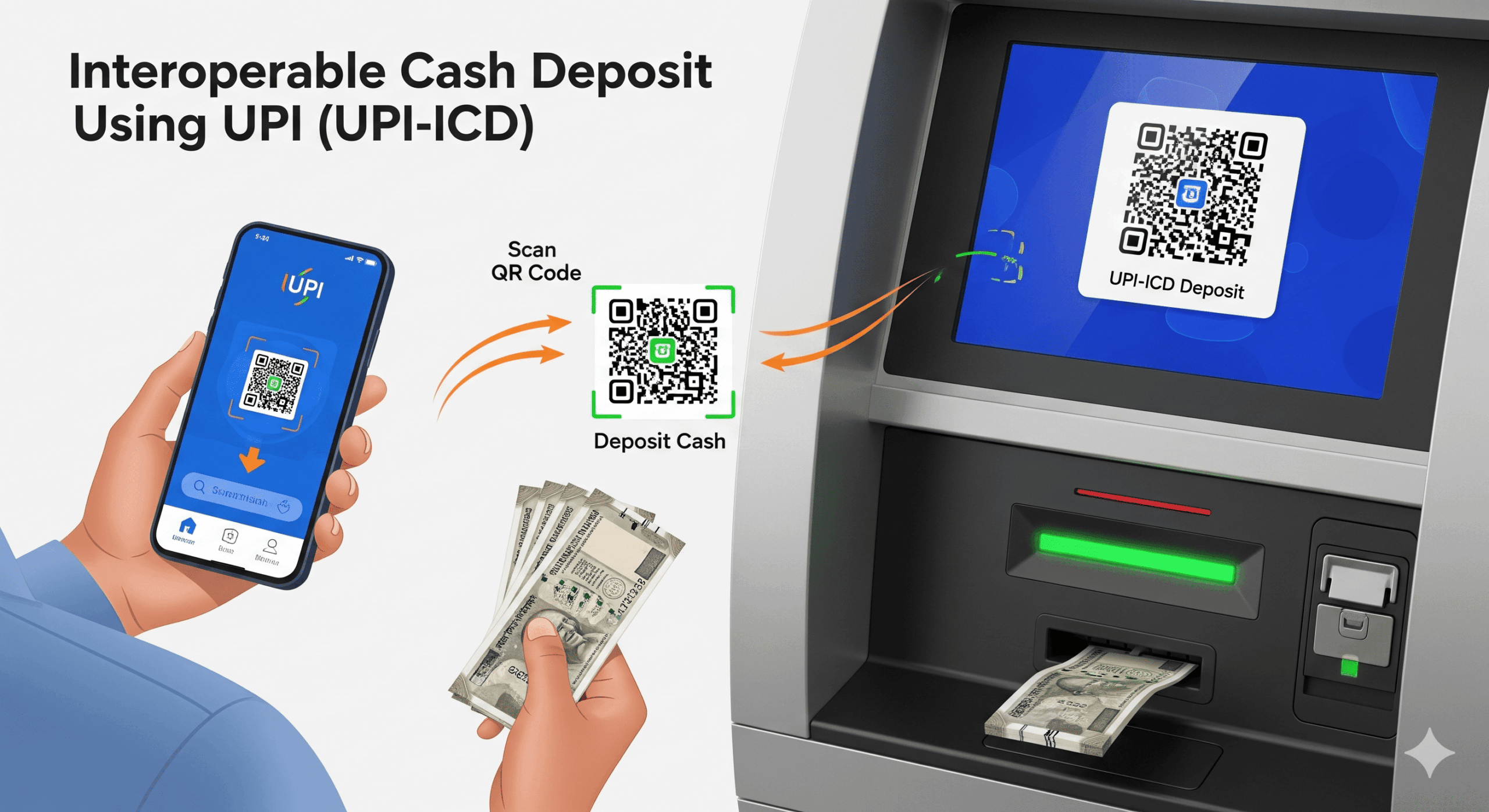
A laser247 UPI deposit is the quickest way to fund your ID: you ask us for current payment details, pay from your own UPI app, and send a screenshot with the 12-digit UTR number. Most deposits show in your wallet within minutes. This guide covers the parts that cause delays, from choosing UPI ID versus QR to what to do when a payment says pending.
If you haven’t got an ID yet, start with our Laser247 registration steps. For the full list of accepted methods and bank transfer options, see the deposit and withdrawal overview. This page goes deeper into UPI alone.
How a laser247 UPI deposit works, step by step
- Message us before paying. Send “deposit”, your username and the amount. Receiving details change, so never reuse a UPI ID or QR from an older chat.
- Check the payee name. When you enter the UPI ID or scan the QR, your app shows the registered name of the receiver. Compare it with the name we gave you in the chat. If it doesn’t match, stop and ask.
- Enter the exact amount. If you told us ₹2,500, pay ₹2,500, not ₹2,499 or ₹2,550. Matching is done on amount, time and UTR, so an odd figure slows things down.
- Approve with your UPI PIN. You only ever enter your PIN to send money, never to receive it.
- Screenshot the transaction details screen. Open the payment from your app’s history and capture the full screen.
- Send the screenshot in the same chat. We match it and credit your laser 247 wallet.
UPI ID or QR code: which should you use?
Both reach the same place, but they fail in different ways. In our support chats, QR payments cause fewer typing mistakes, while UPI ID payments are easier when you’re paying from the same phone the chat is on.
| Point | Paying to a UPI ID | Scanning a QR code |
|---|---|---|
| Best when | Chat and UPI app are on the same phone | Chat is open on a second screen or laptop |
| Common mistake | One wrong letter or handle (for example @ybl vs @ibl) | Scanning a saved QR from an old chat |
| Amount | You type it | Sometimes pre-filled; check it before paying |
| Name check | Shown after you verify the ID | Shown right after scanning |
If you only have one phone, you can save the QR image from the chat and use “scan from gallery” in PhonePe, Google Pay, Paytm or BHIM. Just make sure it is the QR we sent today.
Finding the UTR number and taking proper screenshot proof
The UTR (Unique Transaction Reference) is the 12-digit number your bank attaches to every UPI payment. Different apps label it differently: “UTR”, “UPI Ref No.”, “UPI transaction ID” or “Bank reference number”. It is not the app’s own order ID, which is often longer and starts with letters.
A screenshot we can credit straight away shows four things:
- Status: “Successful” or “Completed”, not “Pending” or “Processing”
- The amount in rupees
- Date and time
- The full 12-digit UTR
The notification bar alert or the green tick animation usually cuts off the UTR. Go to History, tap the payment, and screenshot that screen. If the text is long, a second screenshot is fine. Don’t crop or edit the image; an edited screenshot has to be checked by hand, which takes longer.
When a UPI payment is pending or failed
Pending means your bank has sent the request but hasn’t received a final answer from the receiving side. It is common on busy evenings, during IPL matches and around bank maintenance windows, which many banks run late at night.
If the status is pending
Don’t pay again. A second payment while the first is pending is the most common reason people end up with two debits. Send us the pending screenshot, then wait. Most pending payments settle to “success” or “failed” within 30 to 60 minutes, though some take longer.
If the status is failed but money was debited
The amount is held by your bank and returned to your account automatically. RBI’s turnaround-time rules expect most failed UPI debits to be reversed by the next working day (T+1). If it hasn’t come back after that, raise a complaint inside your UPI app using the transaction’s “Help” or “Raise dispute” option, quoting the UTR. We can’t reverse a failed payment from our side because it never reached us.
If it’s successful but not in your Laser247 wallet
This is ours to fix. Send the screenshot with the UTR and your username. If you paid to an old UPI ID, tell us that too, so we can check the right account.
Bank daily limits and why a big Laser247 deposit gets declined
NPCI sets an overall UPI cap per transaction, but your bank sets its own daily limit, and that is usually the one you hit first. Typical patterns we see:
- Many banks allow around ₹1 lakh per day on UPI, and some set lower limits for certain account types.
- After you install UPI on a new phone or reset your PIN, several banks restrict the amount for the first 24 hours.
- Some banks also limit the number of UPI payments per day, often around 20.
Worked example: you want to add ₹1,50,000 and your bank’s UPI limit is ₹1,00,000 a day. You can send ₹1,00,000 by UPI today and ₹50,000 tomorrow, or ask us for bank details and send the rest by IMPS, which normally has higher limits. Check the exact figure in your bank’s app under UPI settings; we can’t see it from our side.
Small habits that keep Laser247 deposits quick
- Pay from an account in the same name as your ID. Third-party payments to a laser247 ID are refused and returned, which takes time.
- Avoid the 11:30 pm to 1 am window if your bank runs maintenance then.
- Keep one chat thread for each deposit so the screenshot sits next to the request.
- If you prefer a specific app, our PhonePe deposit walkthrough and Paytm deposit guide cover their screens in detail.
Ready to add money? Ask for today’s UPI details on WhatsApp and we’ll reply with the payee name and current minimum.
Frequently asked questions
What is the minimum laser247 UPI deposit?
The minimum changes from time to time and can differ by method. Ask in the chat before paying and we’ll confirm the current figure with the UPI details.
Where do I find the UTR number in my UPI app?
Open the app’s History, tap the payment and look for “UTR”, “UPI Ref No.” or “UPI transaction ID”. It is a 12-digit number. Screenshot that screen, not the notification.
My UPI payment is pending. Should I pay again?
No. Send us the pending screenshot and wait for the final status. Paying twice can lead to two debits, and the second one then has to be sorted out separately.
Money was debited but the payment failed. What now?
Your bank normally reverses failed UPI debits by the next working day. If it hasn’t, raise a dispute in your UPI app quoting the UTR, and contact your bank if needed.
Can I deposit from a family member’s UPI ID?
No. Deposits must come from an account in the same name as the ID holder. Payments from someone else’s account are returned to the sender.
Only deposit money you can afford to lose, and set a limit before you start. Our responsible gaming tips explain how to keep betting under control.
Disclosure: laser247register.in is an independent Laser247 ID provider and guide, not the operator of the Laser247 platform. 18+ only. Betting involves financial risk; check it is permitted where you live.